March 10th, 2026
Additional Improvements & Enhancements
Alongside the major releases, we’ve rolled out several smaller improvements that make Sunvoy more flexible for installers, service teams, and sales teams.
1. Custom Ticket Tags for O&M Managers
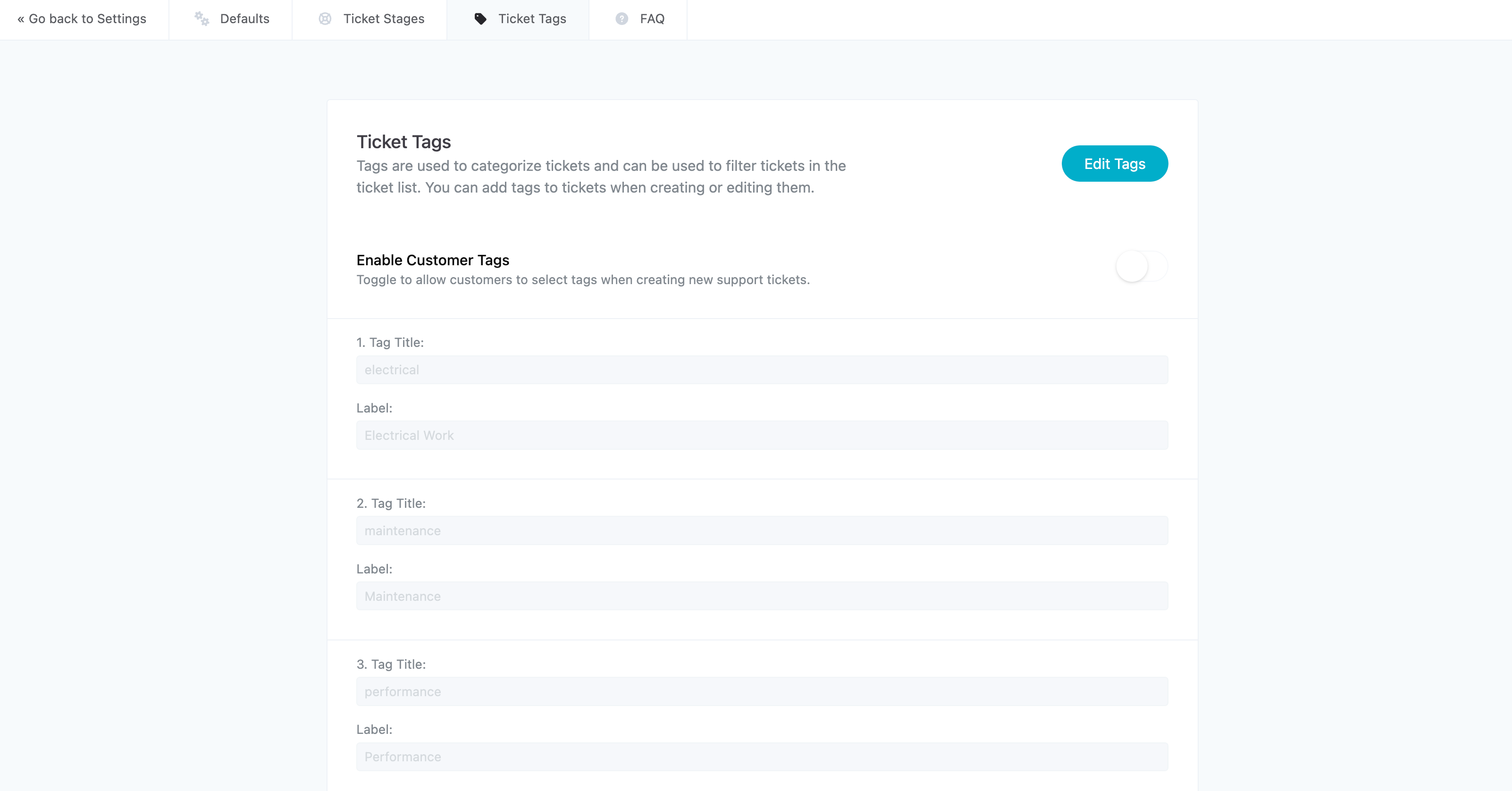
Installers can create their own ticket tags to better categorize and manage support requests.
Tags can be used to label tickets by type of issue, department, or workflow—for example:
Electrical
Maintenance
Performance
Warranty
Monitoring
These tags make it easier to filter tickets, organize service queues, and identify recurring issues.
You can configure this under:
Settings → Support → Tags
2. Role-Based Project Visibility
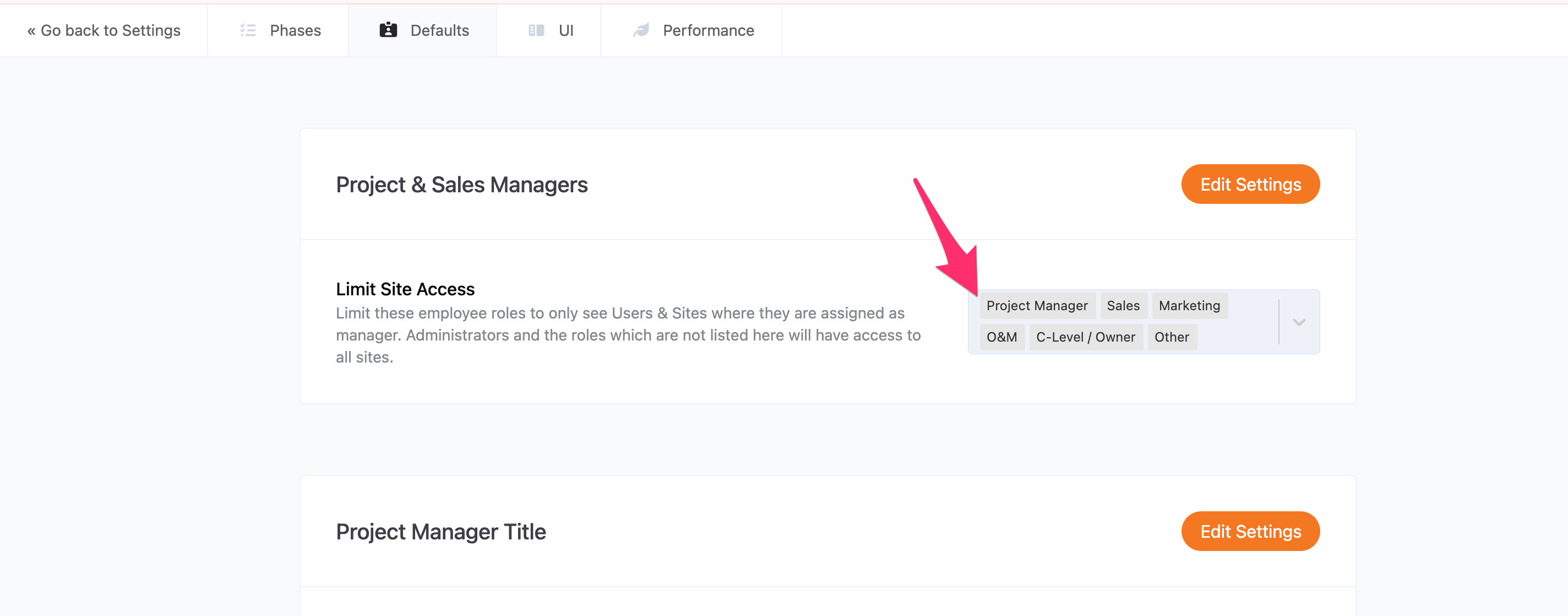
Administrators can now restrict project visibility based on user roles and assignments.
This allows companies to ensure that team members only see the sites that are relevant to them.
Examples:
A Project Manager sees only the projects assigned to them
A Sales Rep sees only their own customers
An O&M technician sees only the sites they maintain
This improves both security and usability, especially for larger organizations managing hundreds or thousands of sites.
3. Performance Threshold Filtering
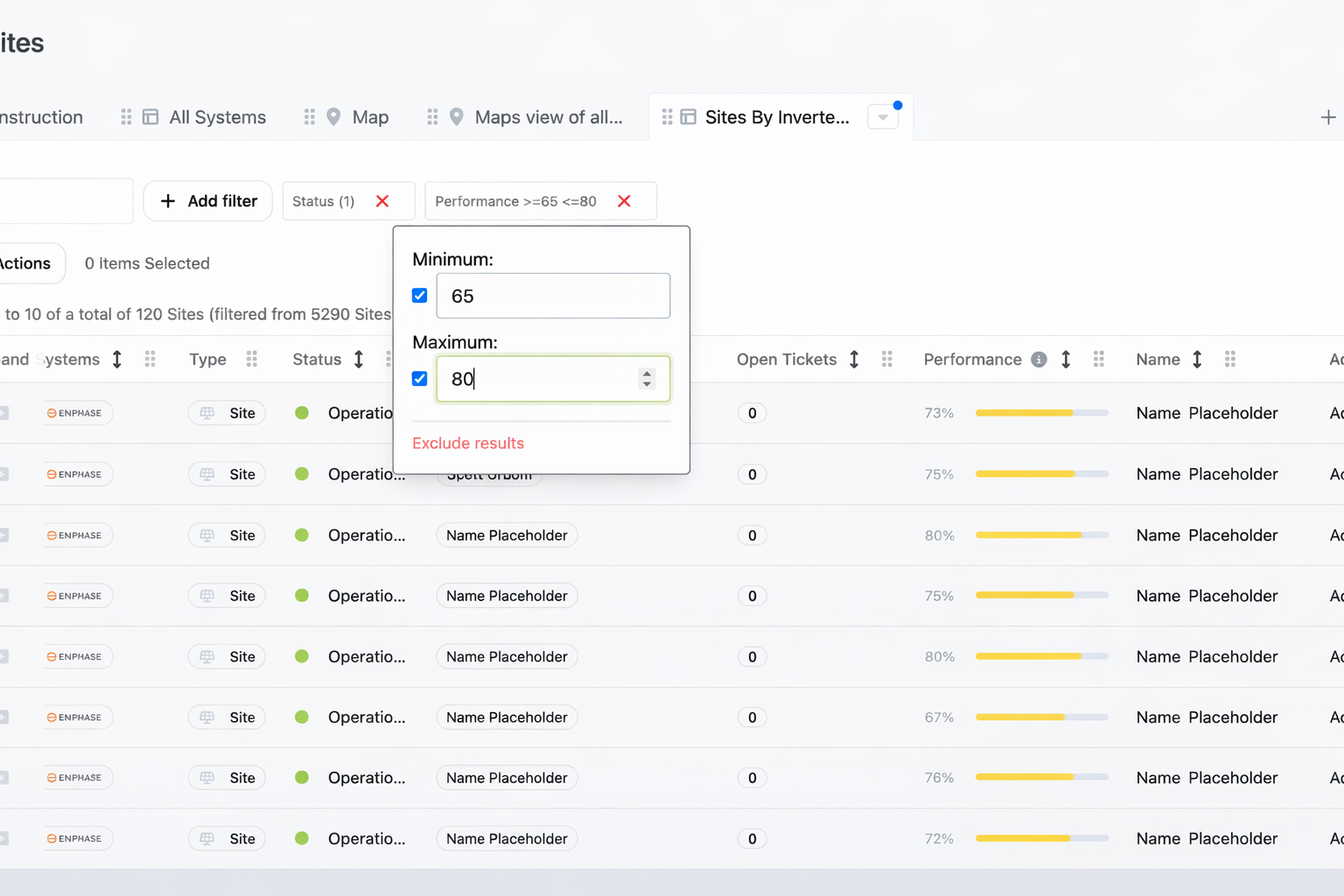
Operations and O&M teams can now filter sites based on performance ranges.
For example, a manager can quickly identify systems performing between 65% and 80% efficiency, helping teams detect underperforming systems before customers report issues.
This allows service teams to proactively investigate:
inverter communication problems
shading issues
equipment faults
or system degradation
4. Sales Map View
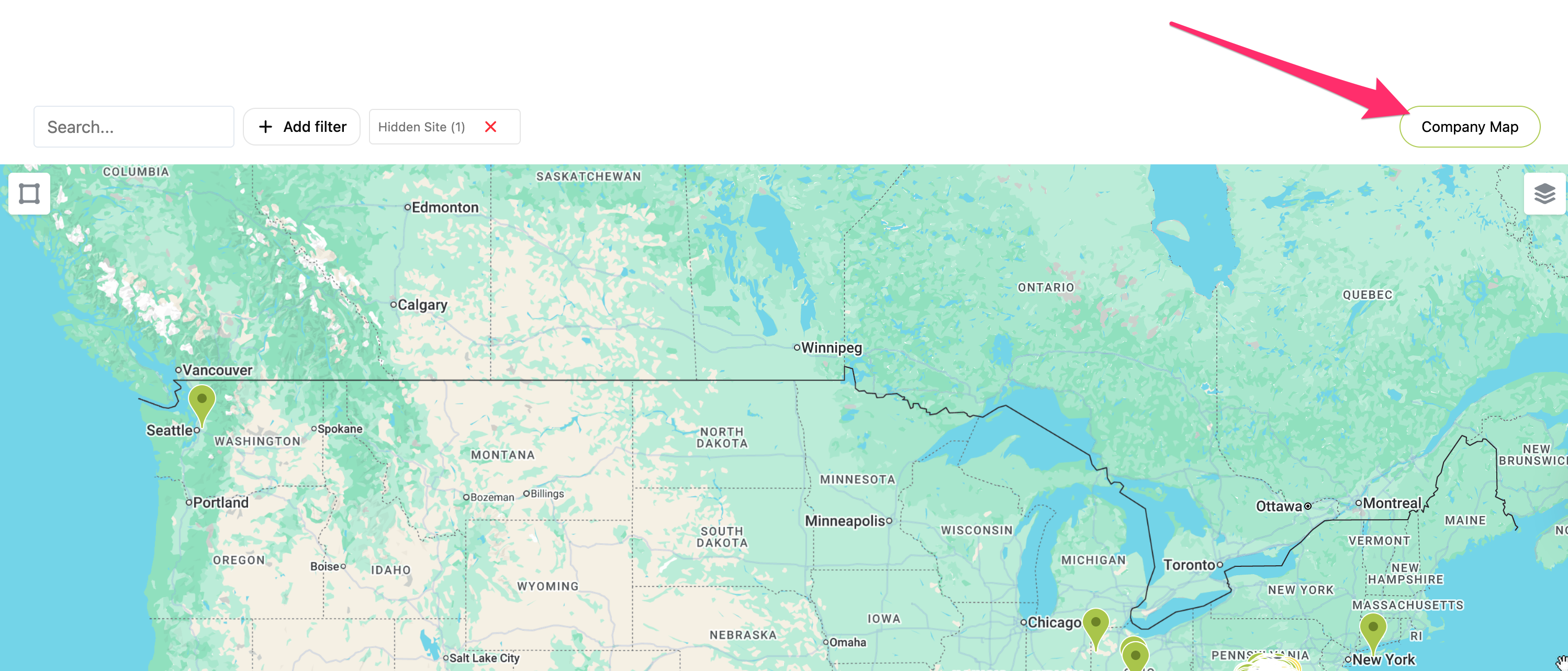
Sales teams now have access to a Company Map to view of their installed systems. All systems have a green dot regarless if the inverter is working or not.
This view allows reps to visualize their portfolio geographically, which is helpful for:
planning local outreach campaigns
identifying clusters of installations
demonstrating market presence to prospects
finding nearby references for new customers
5. Push Notifications
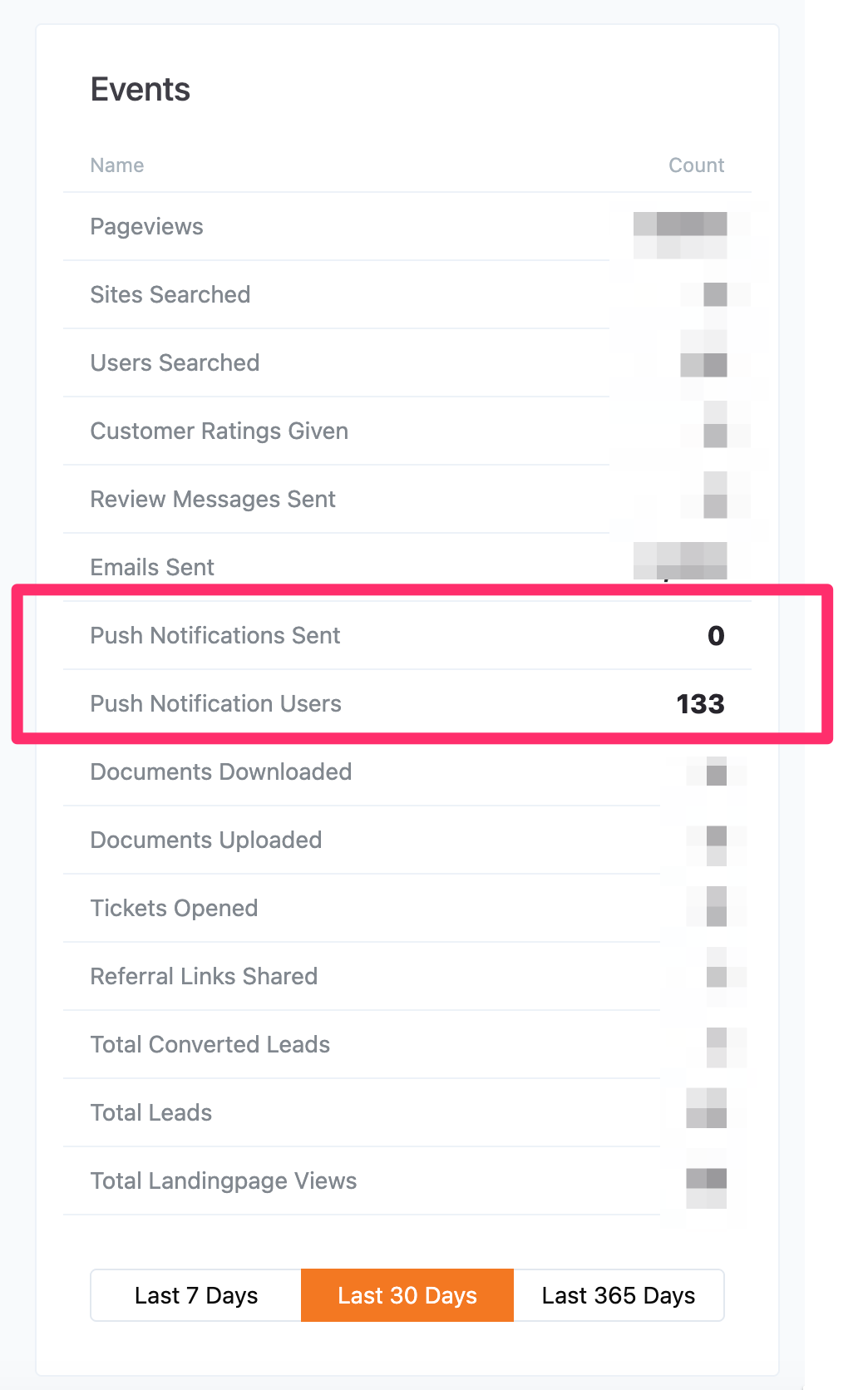
You can enable Push Notifications in your app. Reach out to support@sunvoy.com to turn it ON for you. You can see on your dashboard how many customers signed up to get push notifications
Continuous Improvements
These updates are part of our ongoing effort to make Sunvoy more adaptable to how real solar teams operate, across sales, service, and operations.
As always, feedback from installers continues to shape how we prioritize new improvements!